2 Months
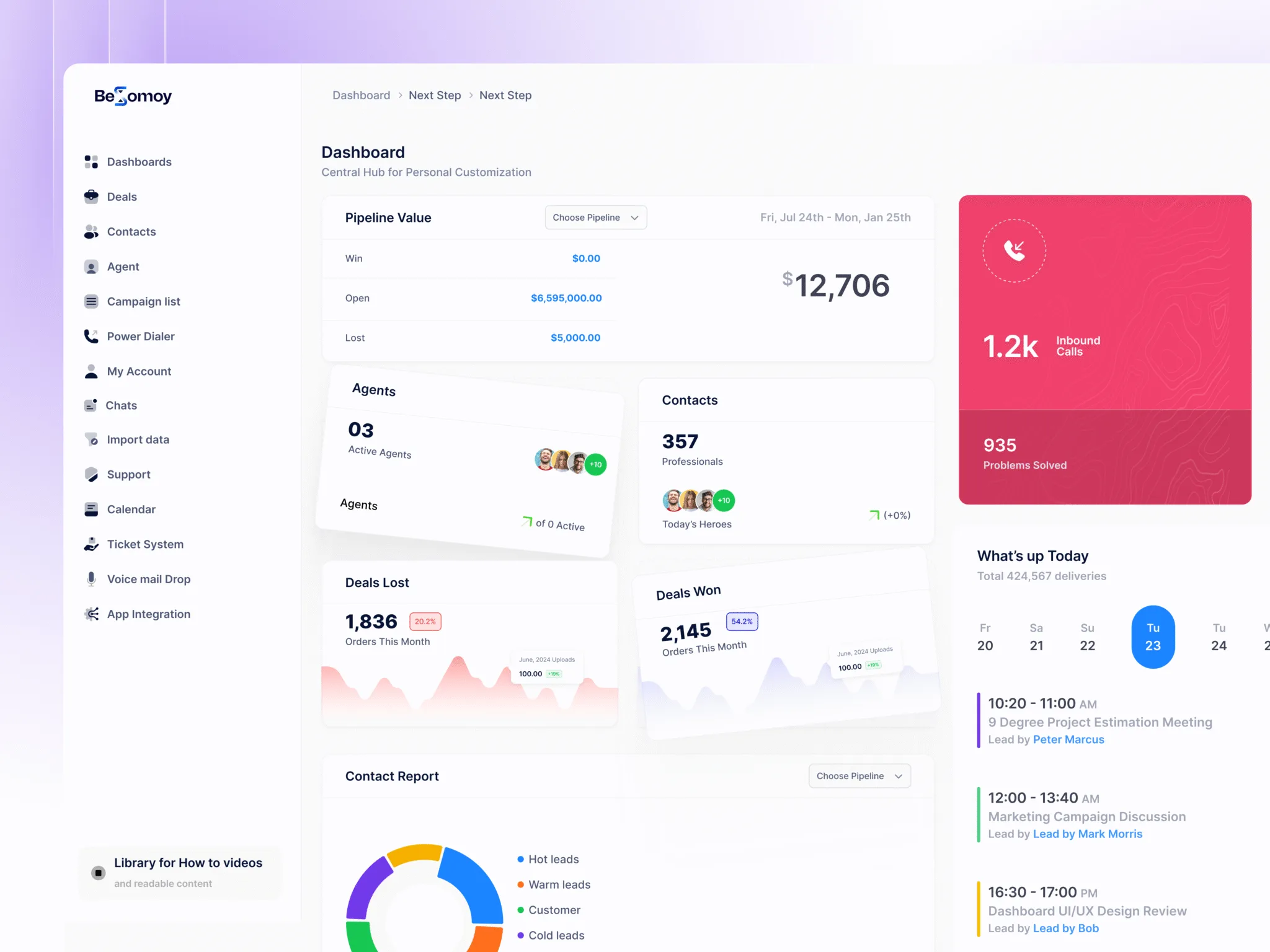
This CRM dashboard project aims to solve the real estate business automation problem. In this project, I try to address the issue of creating a user-friendly, hassle-free CRM dashboard that any user from any educational or technology background can easily use. This dashboard mainly focuses on sales, managing leads using a Kanban board, a power dialer, campaigns, and real-time insights so users can easily decide what actions they should take. You will see the details of these features:
Problem: There are hundreds of Real Estate CRM systems available in the market. However, if you are new to CRM technology, it will take you 2–3 months to properly understand these systems. They have thousands of simultaneous functions, making it difficult for users to figure out what they need to do within the system. To summarize the main problems:
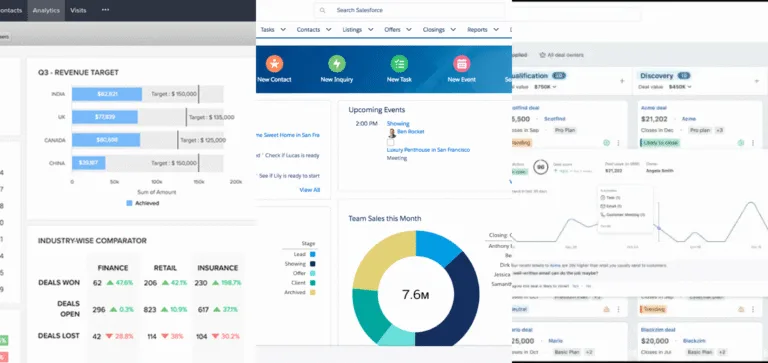
Top 3 Real Estate CRM Dashboard Glimpse
Solution: Based on the problem, I try to make it as simple as I can. If any other system takes 4–5 steps to perform a task, I only take 1–2 steps. So the solution is to make it as easy as possible for the user. Other than that:
For a UX design process, I give more priority to research. So, my first step was conducting research and all. Here is my working process:
🙎♂️Marcus Reed
Role: Real Estate Agent
Personality Traits: Confident and Fast-Paced
Age: 42
Pain Points:
Critical Needs:
🧔♂️ Jordan Smith
Role: Real Estate Consultant
Personality Traits: Motivated and pragmatic
Age: 36
Pain Points:
Critical Needs:
👱♀️Mary Johnson
Role: Local Government Employee
Personality Traits: Reflective and practical
Age: 51
Pain Points:
Critical Needs:
👨Ethan Johnson
Role: Real Estate Agent
Personality Traits: Enthusiastic and Directl
Age: 38
Pain Points:
Critical Needs:
1. Research and Strategy — 14 days
2. Flow Chart and Wireframing — 7 Days
3. UI UX Prototype — 1 Month
4. Final Delivery — 7 Days
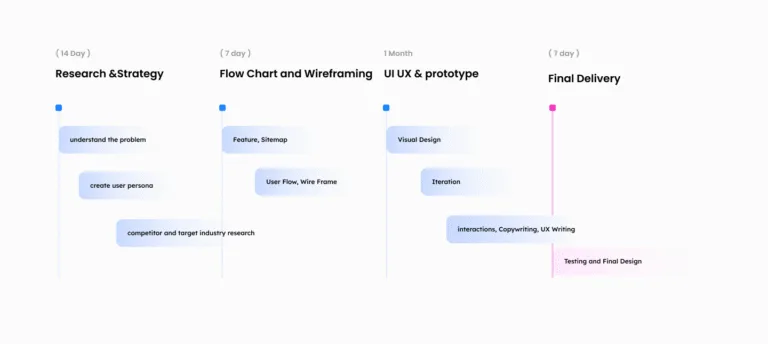
Project Timeline
Competitors Analyzed:
Findings:
While these CRMs offer strong features, none fully address the unique challenges of the real estate industry. The gap lies in combining simplicity and specialized functionalities (like power dialers, lead management, and real-time insights) that cater directly to real estate professionals who may not be tech-savvy.
The proposed CRM dashboard fills this gap with a design to real estate workflows, ensuring intuitive navigation, real-time updates, and actionable insights.
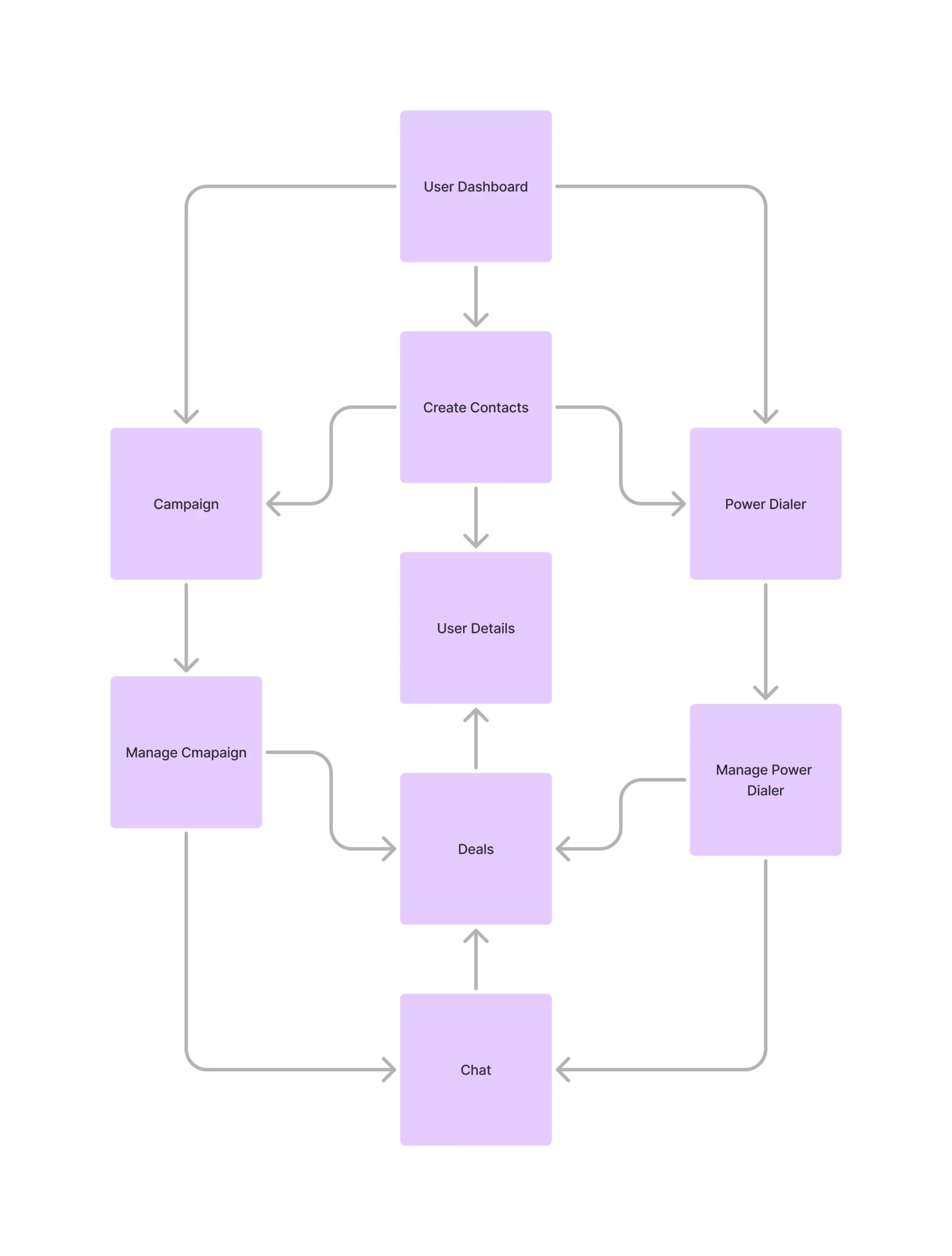
If you see the flowchart, it simply defines the CRM system. A user can easily create a contact, run a campaign, and move the user to the deal, same as the power dialer.
Grid Layout:
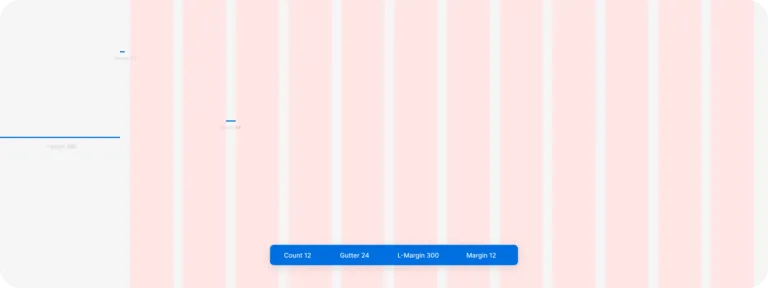
Grid System
In my system, I build simple and smart deals management using Kanban board. This design help agents and sales team to manage leads visually and easy to understand way. Each deal show as a card, and users can move them step by step from one stage to another.
I show deals in different stages like “First Stage”, “Don’t Call”, and “Negotiation Started”. This pipeline method help user to know which lead is active, and what action need to do next. You just drag the card to next column when progress happen.
Every deal card show useful info like:
Client name
Deal amount
Days in that stage
Status label like Hot, Warm, or Cold
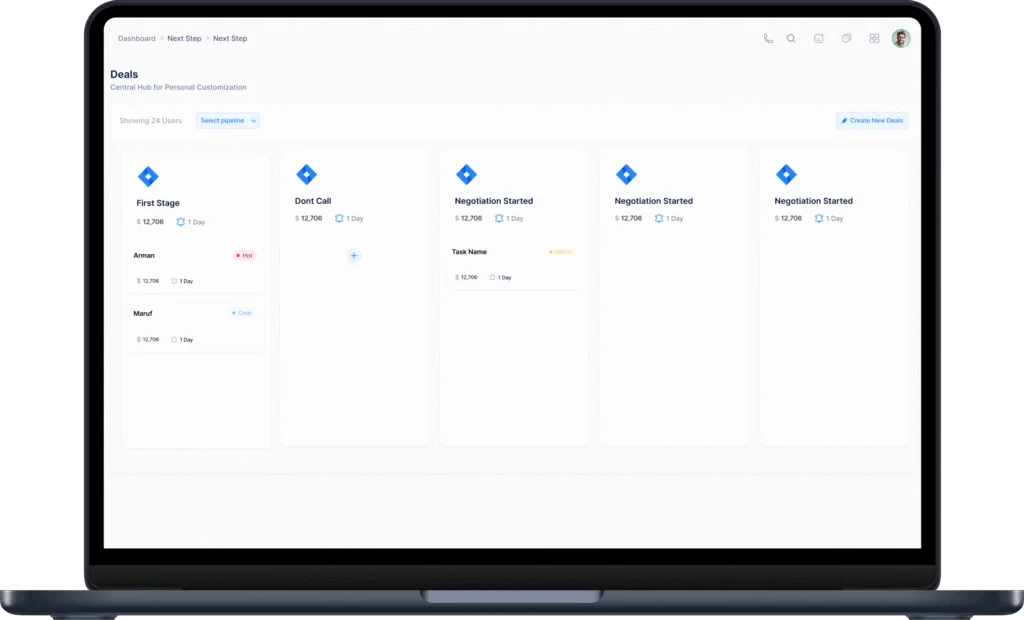
Deals Management Page
This save time and make deal process more clear for everyone. Also I keep “Create New Deals” button at top, so adding new lead is fast.
I also allow user to filter by pipeline and team, so manager or agent can focus only on their own deals. My goal is make deal tracking more simple but still powerful, and this Kanban board really help that.
I design the campaign management system to help users reach their contacts in more organized and automatic way. If we look at other CRM campaigns, they require 4–5 steps to create a campaign. In mine, it takes only 2 steps to create a campaign. First, fill in the campaign details, then create new steps for follow-up messages as many as you want & users can create custom campaigns and send messages step-by-step to their contact list.
In campaign setup, user can fill important info like:
Campaign name
Assign to any team member
Choose contact list and pipeline
Set start and end time
Choose days for sending
Set delay time between each message
After setup, user can create message steps. Every step show how many messages sent and how many people replied. This give clear idea which message working well.
There is also analytics view to check:
Total contacts
Total sent
How many reply
How many not answer
Campaign list Page
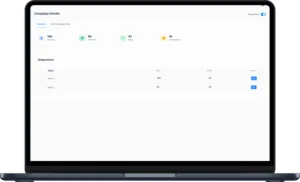
Campaign Details Page
For more control, I add option to edit step, and also a pause button if user want to stop campaign anytime.
My goal was to make this campaign tool simple to use, but also powerful enough for daily agent work. This system save manual work and make follow-up more easy for every user.
I build the contact list and group management to help users organize their leads and clients in a simple, fast way. Inside this section, users can view, filter, and manage all saved contacts from one place.
Each contact entry shows:
Full name
Phone number
Email address
Contact group
Created date
I add search and filter options like:
Search by name or number
Filter by tag
Select specific contact list
These filters help users quickly find the right contact when they need.
Users can also:
Add single contact using full detail form
Create new list and group contacts together
Export lists for use in campaigns or external tools
Add contact to power dialer directly from here
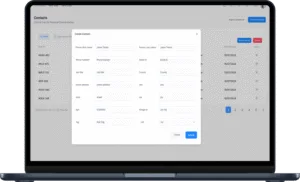
Create Contact Page
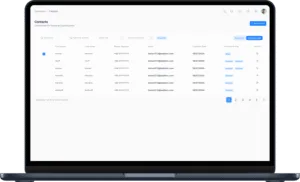
Contact List Page
When creating contact, I allow input of everything from phone and email to address, tags, and even pipeline assignment. This way, every contact entry is ready for follow-up or automation.
For better organization, users can also create contact groups with just one click. I add option to update existing contacts if they already exist — so user data always stay clean and updated.
My focus in this section was making contact handling smooth, even if user has thousands of records. Whether they use it for sales, calling, or campaigns — this system make contact management easier for everyone.
The case study is not finished yet. I couldn’t upload the full details due to a busy schedule. The complete details will be uploaded very soon.
Thank you.

As someone who runs a real estate CRM platform here in the States, I’ve seen plenty of designs that look good but miss the mark when it comes to usability. Arman’s approach was different. He truly understood what agents and brokers actually need. Solid communication, great design thinking, and a real attention to detail.



Copyright © 2026 besomoy.com — All Rights Reserved.
@ This Website Developed by Me ❤️